

Scratches & tears gone
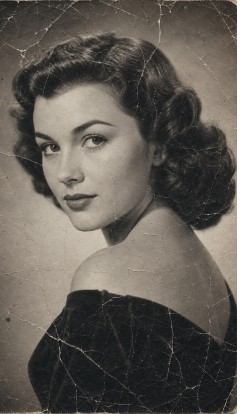
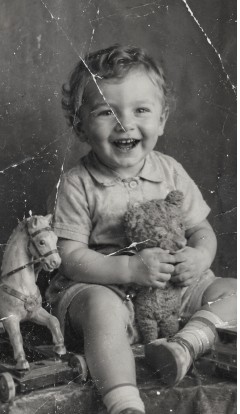
Cracks, creases, missing corners and water stains are detected and rebuilt — not blurred over.
4.9 on the App Store · 841 ratings
Coloroid AI repairs scratches and tears, sharpens blur, and colorizes black-and-white photos — in seconds, right from your phone.
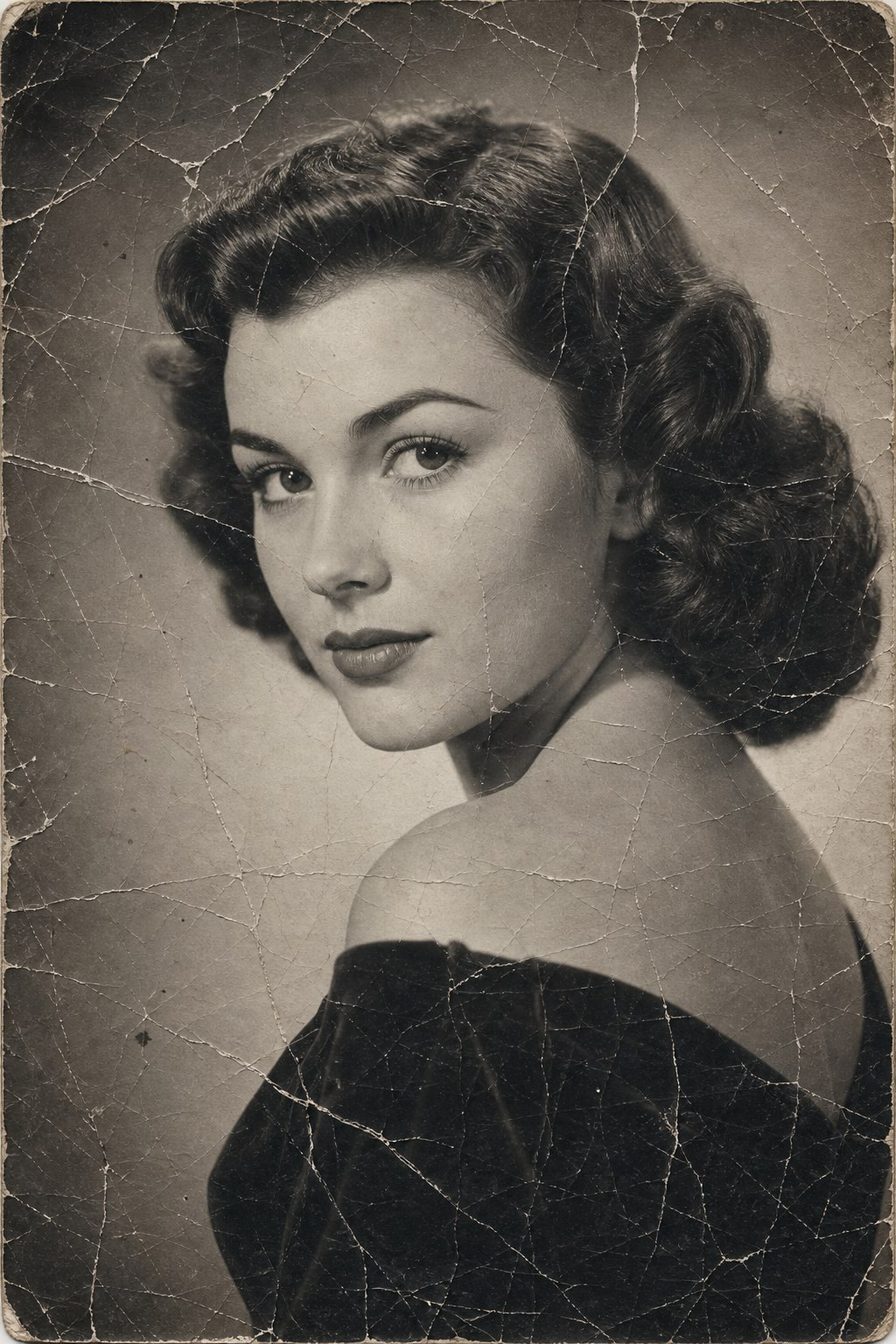
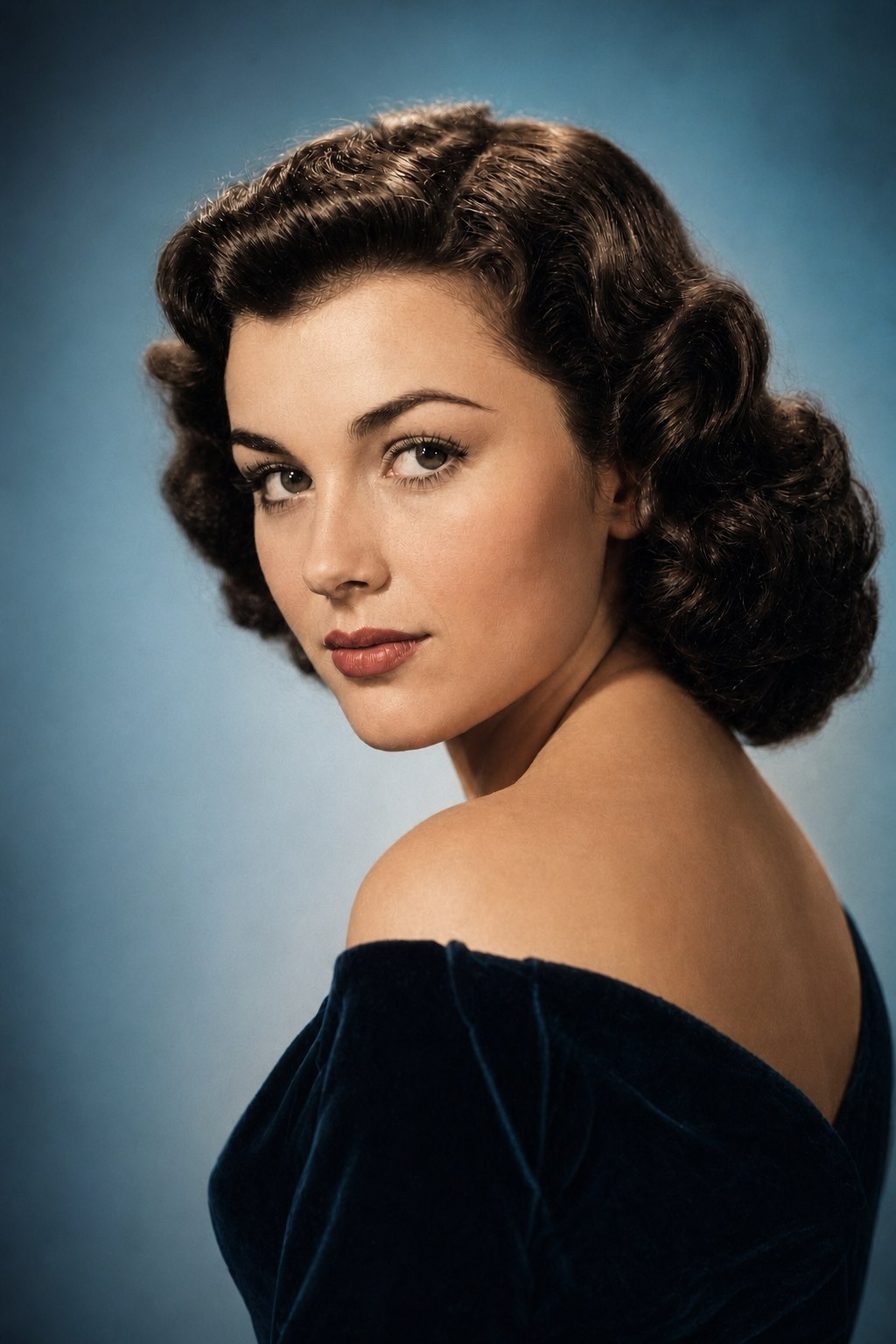
Drag the handle
Before & after
Every photo below is a real result from the app. Drag any handle to see what changed.



Features
Trained on decades-old photographs, Coloroid AI knows what damage looks like — and what should have been underneath it.
Cracks, creases, missing corners and water stains are detected and rebuilt — not blurred over.
Soft focus gets sharpened and washed-out contrast comes back, in the same single pass.
Black-and-white portraits get plausible skin tones, clothing and scenery — colour that fits the era.
No layers, no brushes, no sliders to learn. Pick a photo, tap once, watch it come back.
Results come back while you're still looking at the screen — no queue, no email, no waiting.
Send a photo to Coloroid AI from Photos or any other app — you don't have to open it first.
How it works
Choose an old print from your library, or snap a picture of one straight out of the album.
Coloroid AI reads the damage, rebuilds what's missing and — if you want — adds colour.
Compare before and after, save the result to your library, print it or send it to family.
There is no account and no online gallery. Your photo is uploaded only to produce the result, and both the original and the restored version stay where they belong — in your own photo library.
FAQ
Anything shot straight-on and in focus enough to make out faces. Heavy damage is not a problem — cracks, tears, stains and severe fading are exactly what the model was built for. Photographs of prints work as well as flatbed scans.
About a minute, depending on your connection and the size of the image.
No. Photographing the print with your phone works — lay it flat, avoid glare, and shoot it straight on. A flatbed scan is a little sharper, but it isn't required.
Yes. You pick the mode before anything runs: Recreate for a full rebuild, Colorize to add realistic colour to black and white, or Descratch to clear damage and leave the rest alone.
Never. The restored version is saved to your library as a new photo — the original stays exactly as it was.
iPhone and iPad running iOS 17 or later.